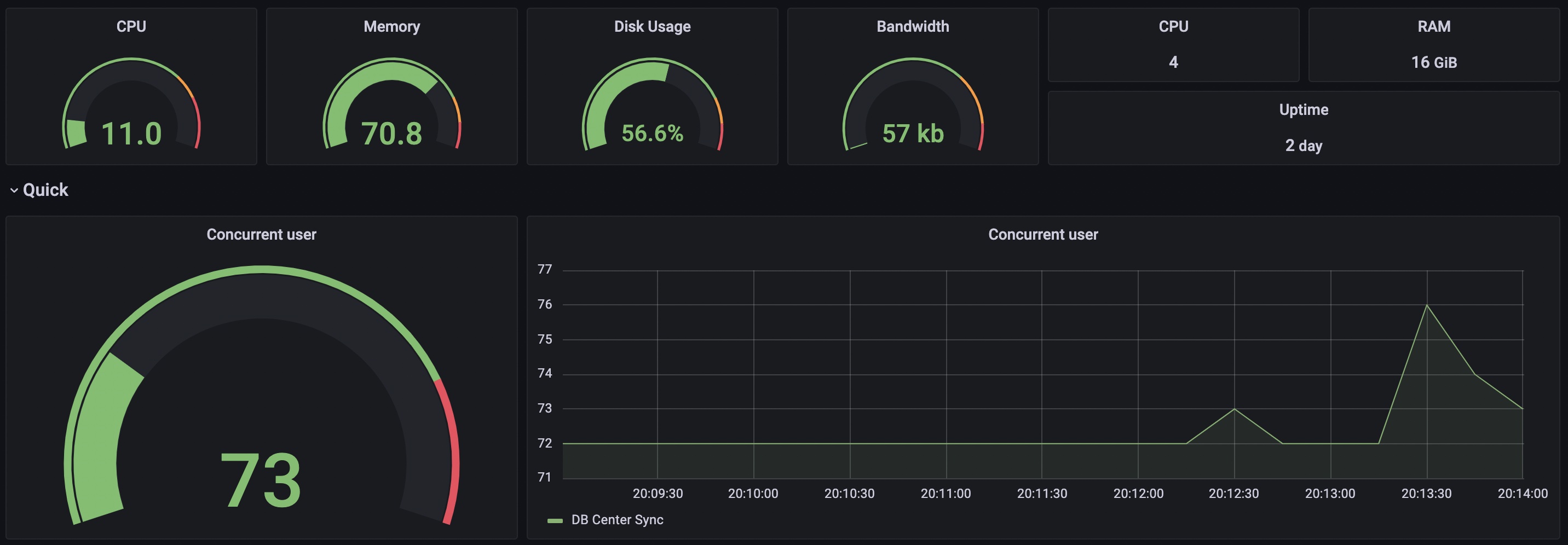
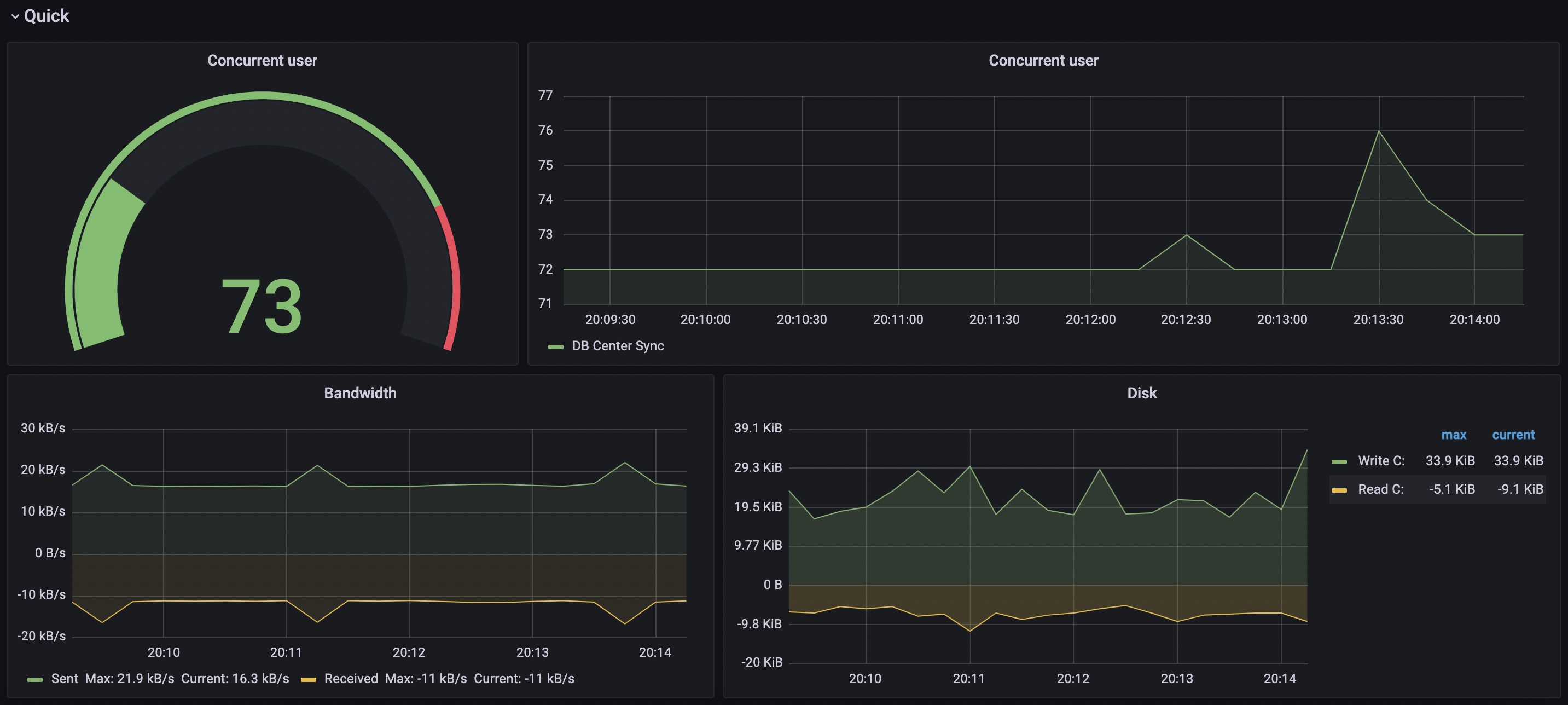
Windows Node Exporter 2,0062,006
1/26/2022
1/26/2022
3
>=8.2.4
Prometheus
Prerequisites
How to install windows_exporter
After you download installer file. You can run command as below
msiexec /i windows_exporter-0.17.1-386.msi ENABLED_COLLECTORS="ad,adfs,cache,cpu,cpu_info,cs,container,dfsr,dhcp,dns,fsrmquota,logical_disk,logon,memory,msmq,mssql,netframework_clrexceptions,netframework_clrinterop,netframework_clrjit,netframework_clrloading,netframework_clrlocksandthreads,netframework_clrmemory,netframework_clrremoting,netframework_clrsecurity,net,os,process,remote_fx,service,tcp,time,vmware" TEXTFILE_DIR="C:\custom_metrics" LISTEN_PORT="9182"
when completes. Command will create service on Windows and you can look data that use "http://localhost:9182" and add IP and port to "promethus.yml" and then restart prometheus.
Get Dashboard✕
Download
Copy to Clipboard
Used Metrics 1414
windows_cpu_time_total
windows_cs_physical_memory_bytes
windows_os_physical_memory_free_bytes
windows_logical_disk_size_bytes
windows_logical_disk_free_bytes
windows_net_bytes_total
windows_cs_logical_processors
windows_os_time
windows_process_start_time
windows_tcp_connections_established
windows_net_bytes_sent_total
windows_net_bytes_received_total
windows_logical_disk_write_bytes_total
windows_logical_disk_read_bytes_total