Spring Boot JDBC & HikariCP 2,9692,969
3/19/2024
3/28/2024
8
Databases
Prometheus
Spring Boot JDBC & HikariCP
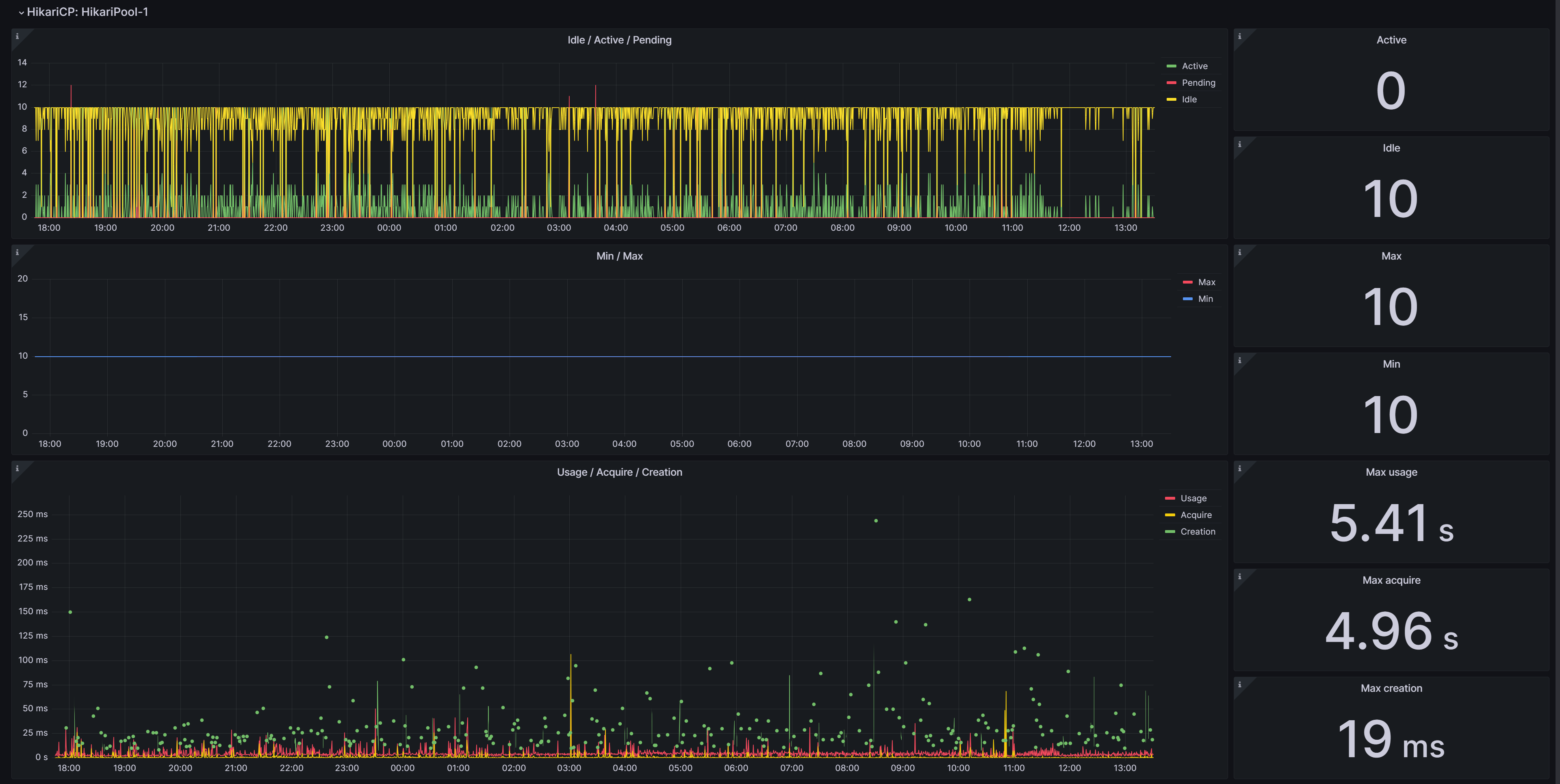
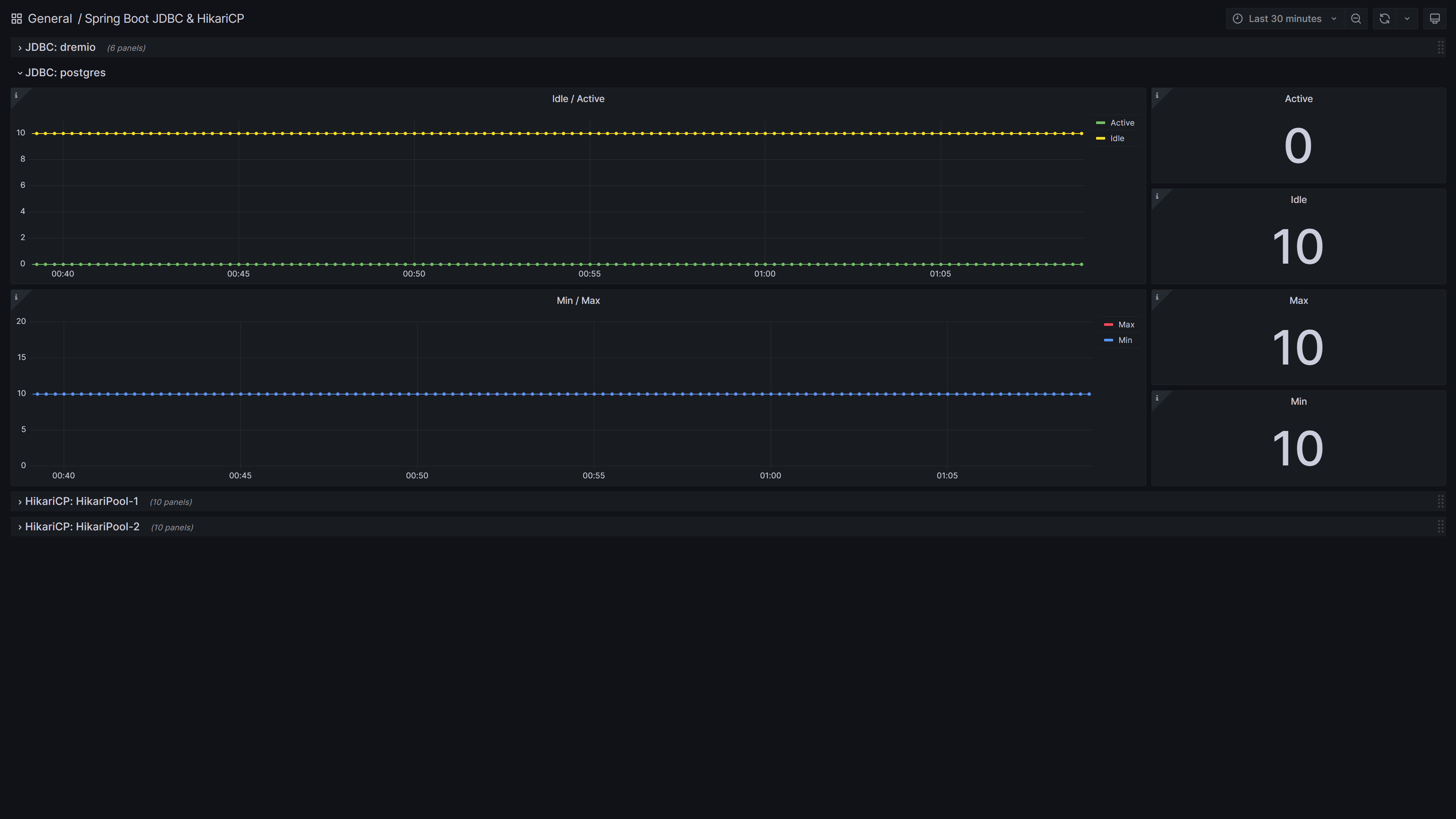
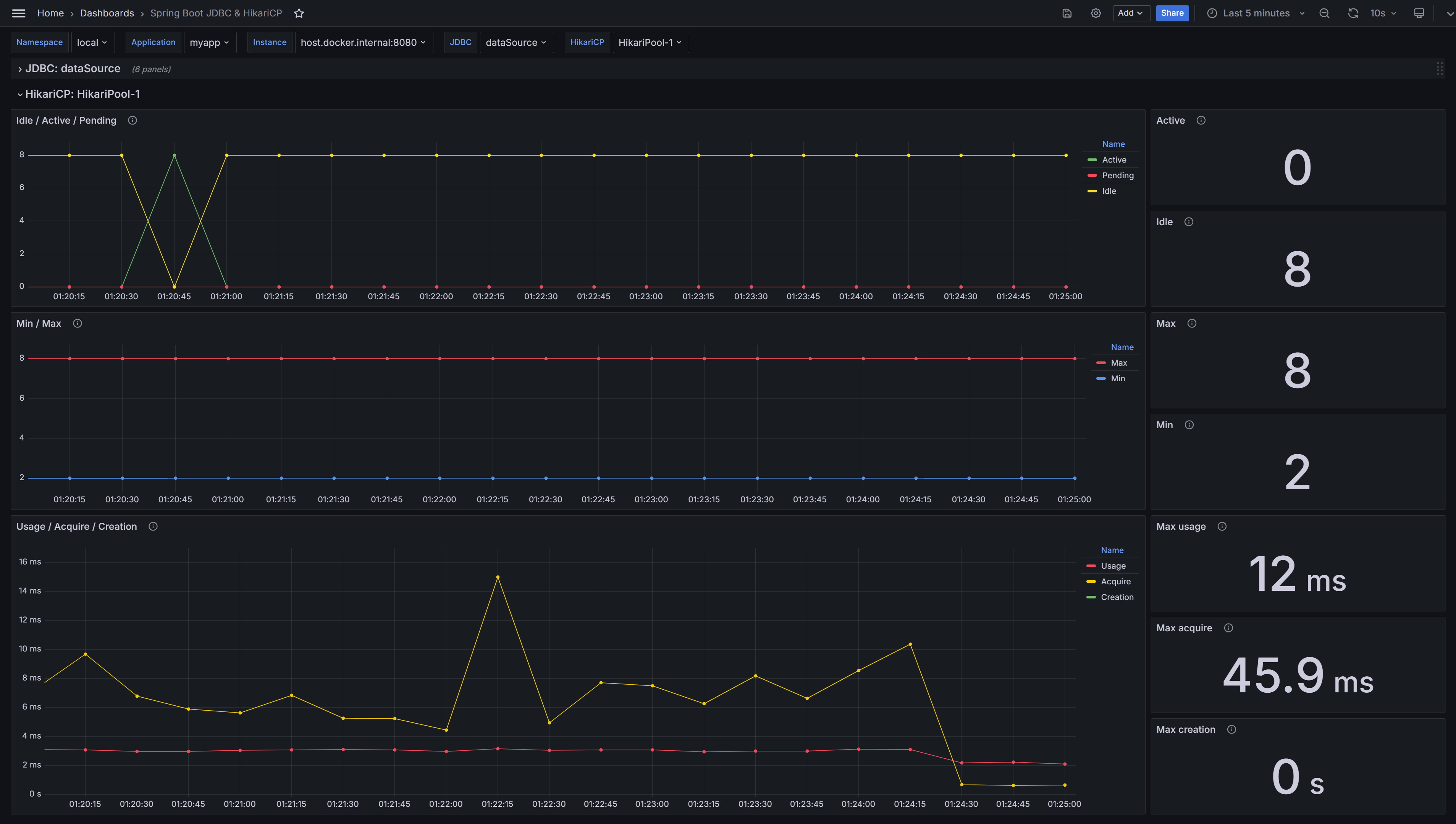
Grafana Dashboard of Spring Boot (by Micrometer metrics from Prometheus) for JDBC and HikariCP.
Supported Spring Boot 3.x.
See details in GitHub.
Configure Spring Boot Application
- Add one of Spring Boot database modules, for example, Spring Data Jpa or Spring Data JDBC.
- Add Spring Boot Actuator module with micrometer-registry-prometheus.
- Add configuration, for example,
application.yml:
spring:
application:
name: myapp
datasource:
username: mydb_user
password: mydb_pass
url: jdbc:postgresql://localhost:5432/mydb
hikari:
minimum-idle: 2
maximum-pool-size: 8
management:
endpoints:
web:
exposure:
include:
- prometheus # Access by /actuator/prometheus
metrics:
tags:
namespace: local # Namespace of k8s
application: ${spring.application.name}
Configure Prometheus Job
Add job with pulling metrics from /actuator/prometheus,
for example, on localhost:8080:
scrape_configs:
- job_name: myapp-job
scrape_interval: 15s
metrics_path: /actuator/prometheus
static_configs:
- targets: [ localhost:8080 ]
Get Dashboard✕
Download
Copy to Clipboard