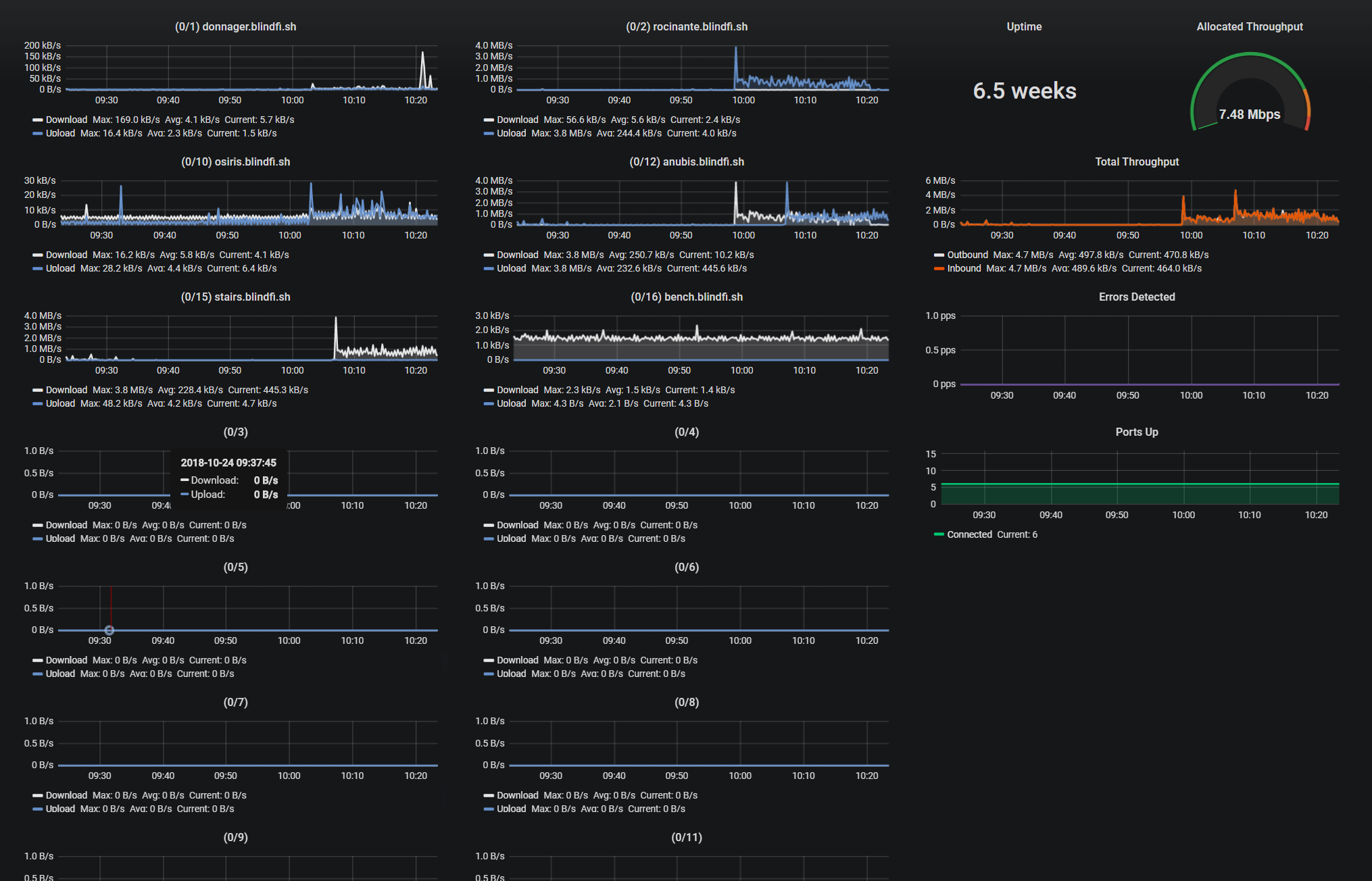
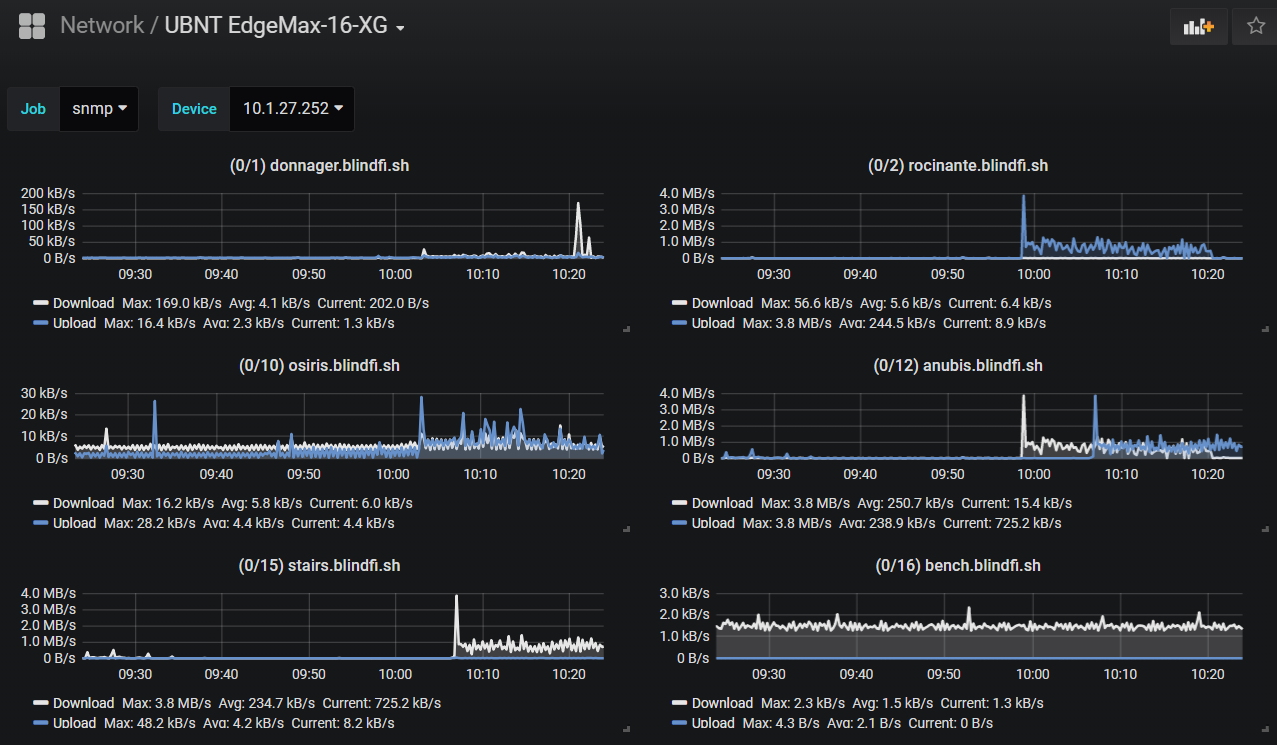
SNMP Interface Throughput (Ubiquiti EdgeMax-16-XG)
1,212

Created 10/24/2018
Updated 10/24/2018
Revision 1
Grafana Version >=5.3.1
Datasources
Prometheus

Some minor customization required!

1). The ports are named and sorted manually. Please edit each panel to change the names and drag them around as you see fit. By default, the panel names and order reflect my environment and will not match yours.

2). If your switch has more or fewer than 16 ports, you'll need to add or remove panels accordingly. Usually, ifIndex of 1 = port 0/1, but you should manually query a list of ifName{} to verify ifindex matches.

3). The total throughput of my switch is 160Gbps. Edit the "Allocated Throughput" panel > Options > change Max and Thresholds. Look at your switch documentation to learn what the total throughput of your switch should be.

Installation:

Troubleshooting:

  • Make sure snmp data is working through snmp_exporter. Default is: http://localhost:9116/
  • Use snmpwalk cmd on Prometheus server to test connection to switch. Example: snmpwalk -c public -v1 10.0.0.2 | less

Tweet questions, fixes or ideas to me @gtwy

Get Dashboard
Download
Copy to Clipboard
Source Grafana.com

Used Metrics 8

  • ifOutOctets

  • ifInOctets

  • sysUpTime

  • ifOutErrors

  • ifInErrors

  • ifOutDiscards

  • ifInDiscards

  • ifOperStatus