Mongo DB
1,805

Created 6/30/2020
Updated 6/3/2022
Revision 1
Categories
Databases
Grafana Version >=7.0.1

Mongodb Dashboard

Mongodb Dashboard Visualization uses as an exporter. This dashboard will work Effeciently if replication is enabled in MongoDB Cluster.

These Dashboards need mongodb as Telegraf Input Plugins, You can find the Mongodb Input Plugin Configuration below

[[inputs.mongodb]]
  ## An array of URLs of the form:
  ##   "mongodb://" [user ":" pass "@"] host [ ":" port]
  ## For example:
  ##   mongodb://user:auth_key@10.10.3.30:27017,
  ##   mongodb://10.10.3.33:18832,
  servers = ["mongodb://127.0.0.1:27017"]

Purpose of Each Panel Used in Dashboard

Here you will see these information in dashboards

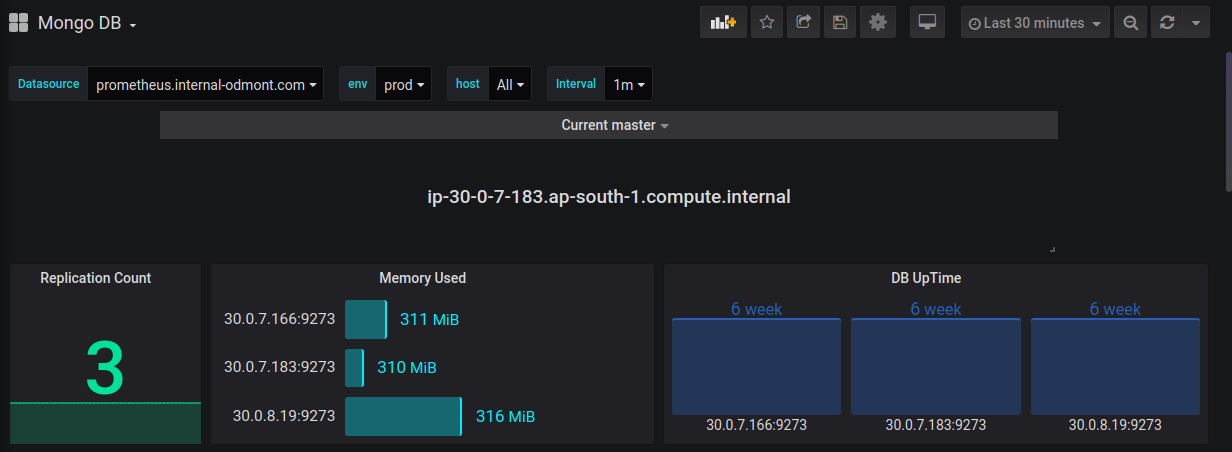
  • Current Master from Mongo replica Set
  • Total Replication count
  • Memory used by node
  • MongoDb Uptime
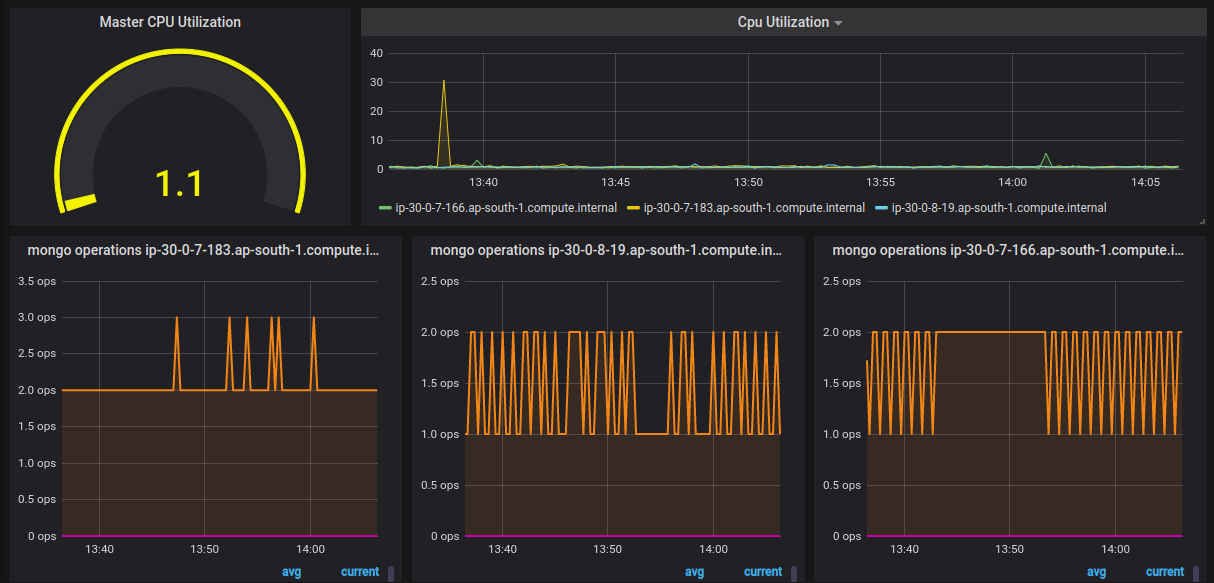
  • Master CPU Utilization
  • CPU Utilization in each node
  • Total operations (read,write,update,delete)
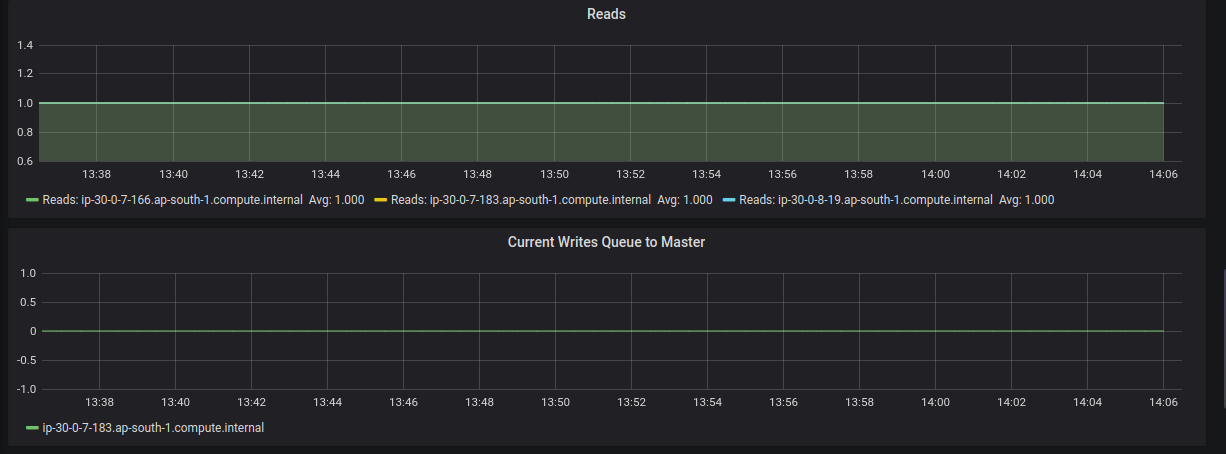
  • Total Read operations
  • Total Write operations
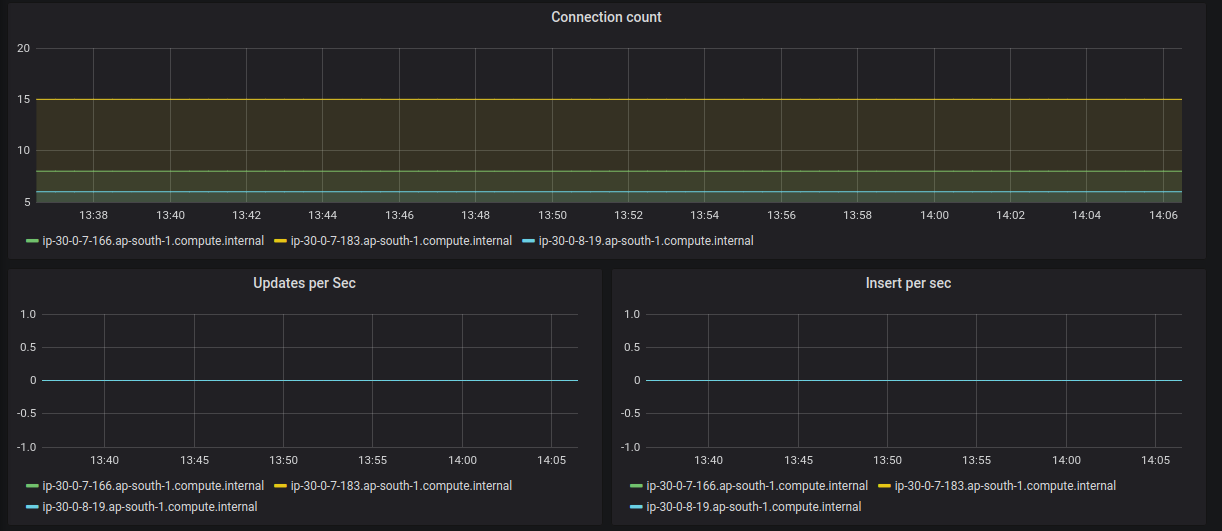
  • Total Update operations
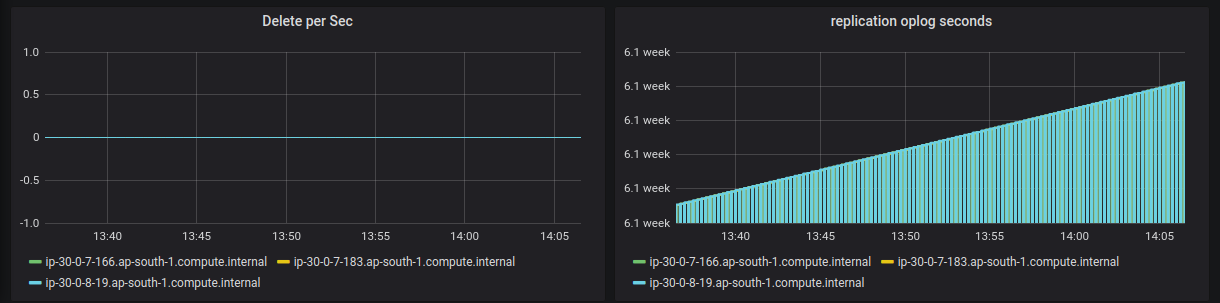
  • Total Delete operations

Contributor Information

devendra.pokhariya@opstree.com

Get Dashboard
Download
Copy to Clipboard
Source Grafana.com

Used Metrics 17

  • mongodb_inserts_per_sec

  • mongodb_uptime_ns

  • mem_used

  • cpu_usage_idle

  • mongodb_queries_per_sec

  • mongodb_updates_per_sec

  • mongodb_commands_per_sec

  • mongodb_flushes_per_sec

  • mongodb_getmores_per_sec

  • mongodb_deletes_per_sec

  • mongodb_active_reads

  • mongodb_active_writes

  • mongodb_open_connections

  • mongodb_updates

  • mongodb_inserts

  • mongodb_deletes

  • mongodb_repl_oplog_window_sec