Cassandra Dashboard by ORAMAD
969 5.0 (1 reviews)

Created 3/14/2021
Updated 10/13/2022
Revision 4
Categories
Databases
Grafana Version >=9.2.0
Datasources
Prometheus

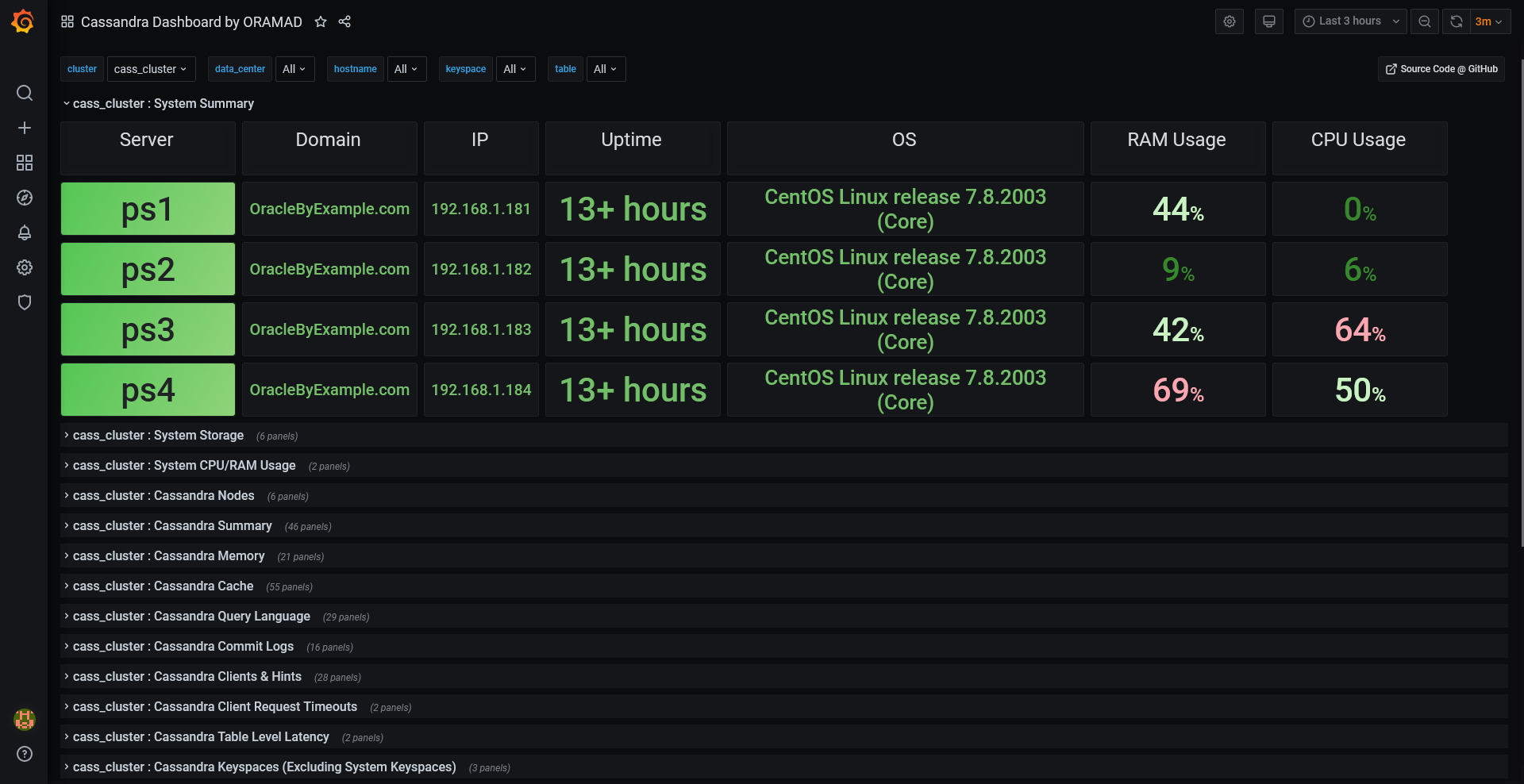
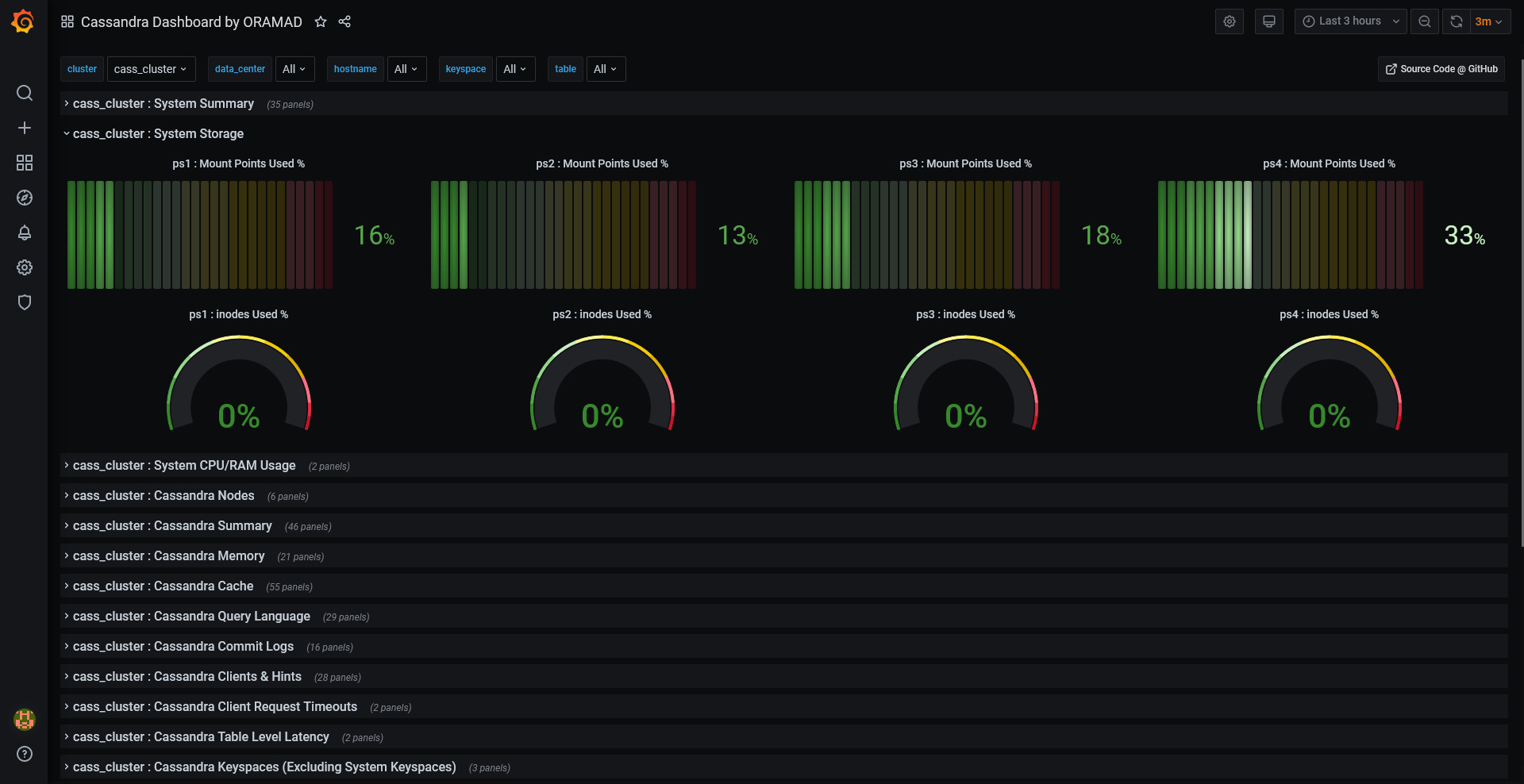
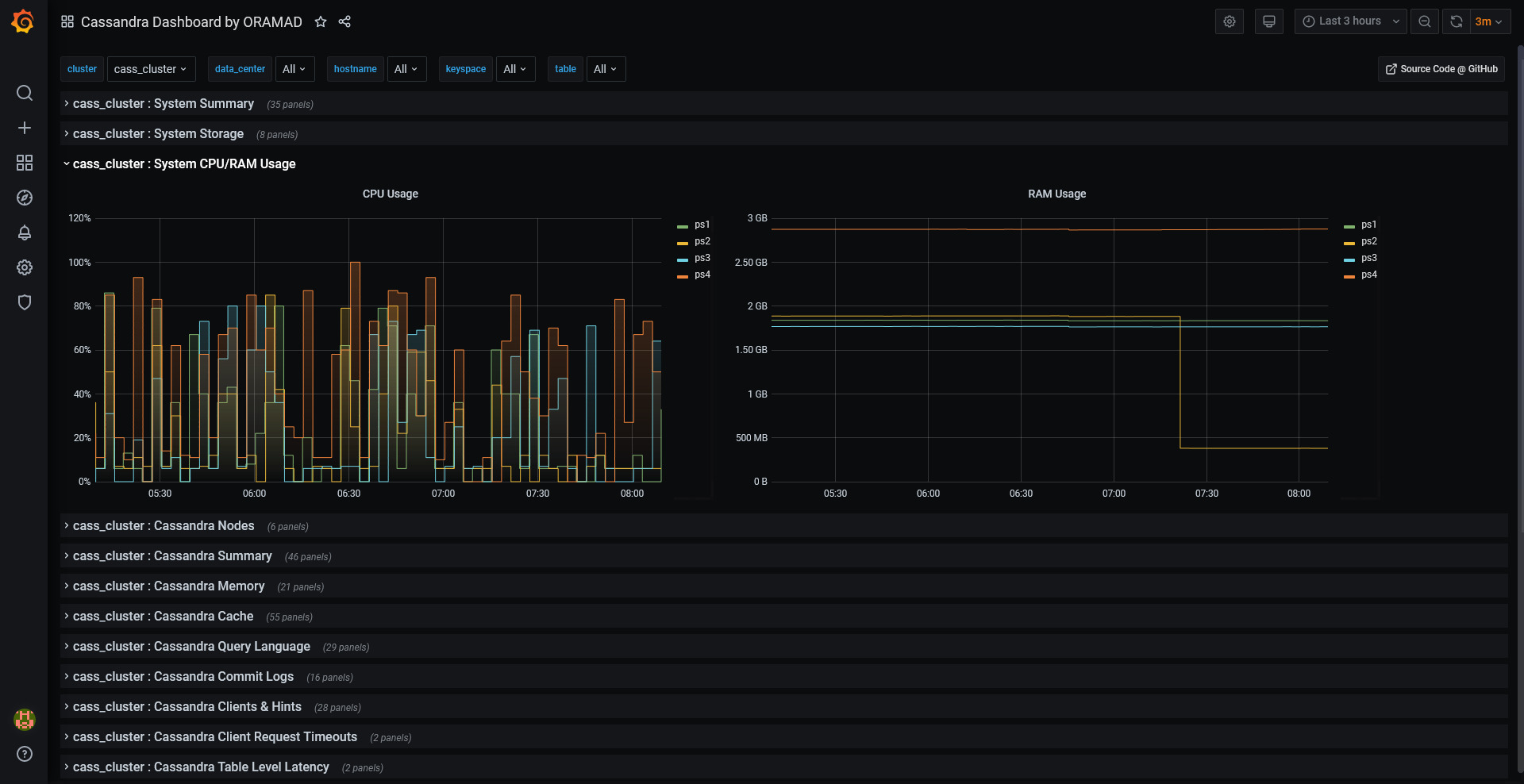
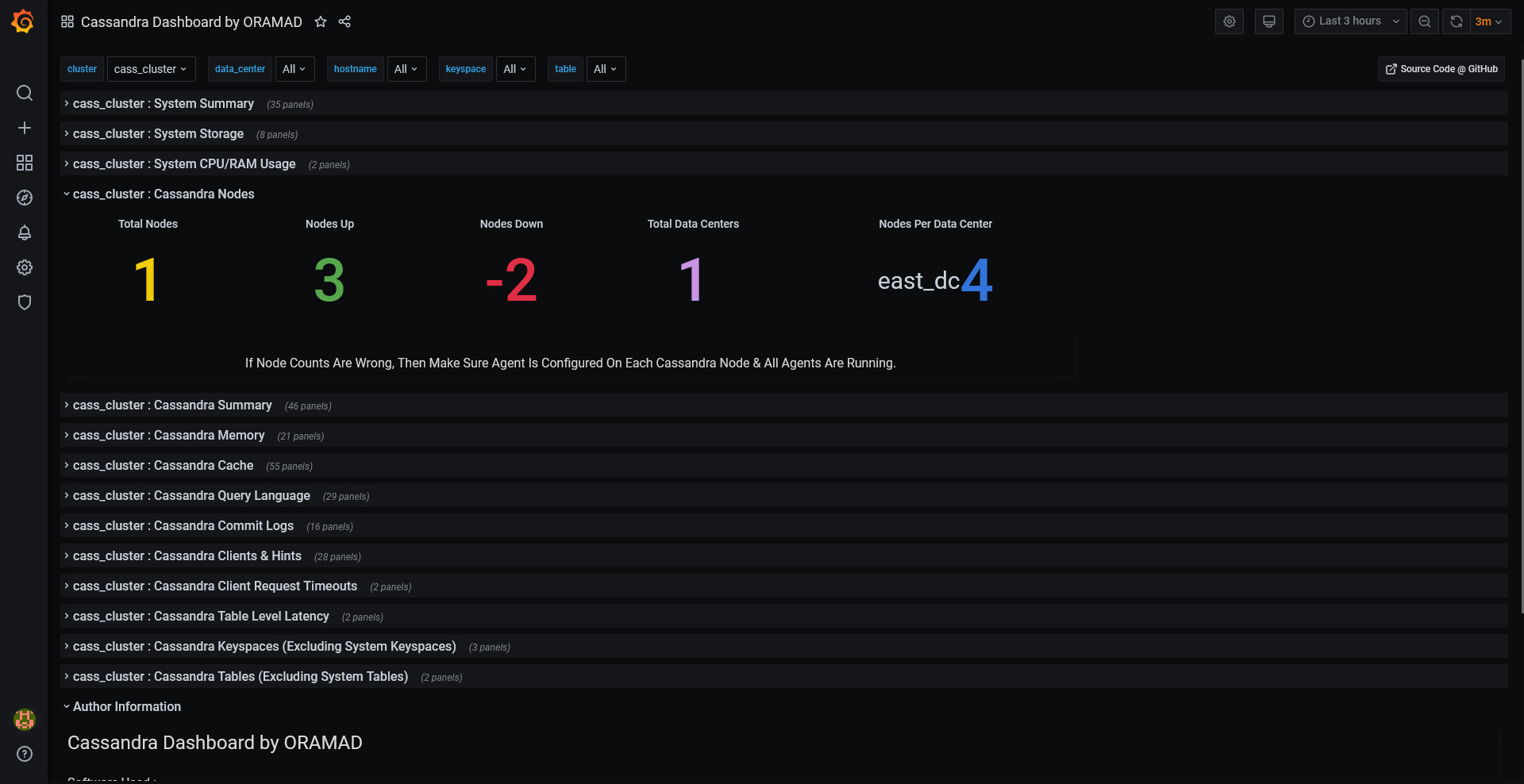
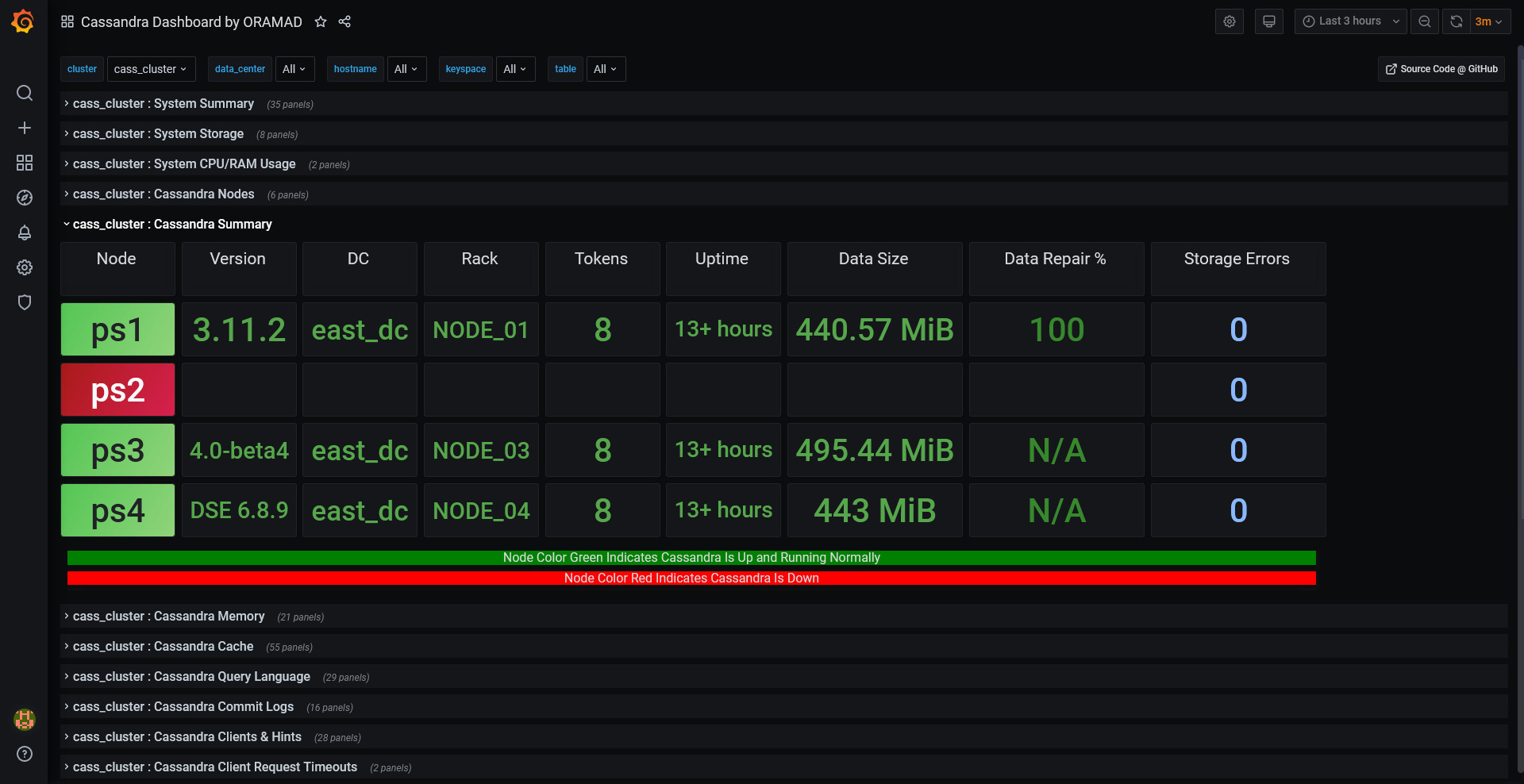
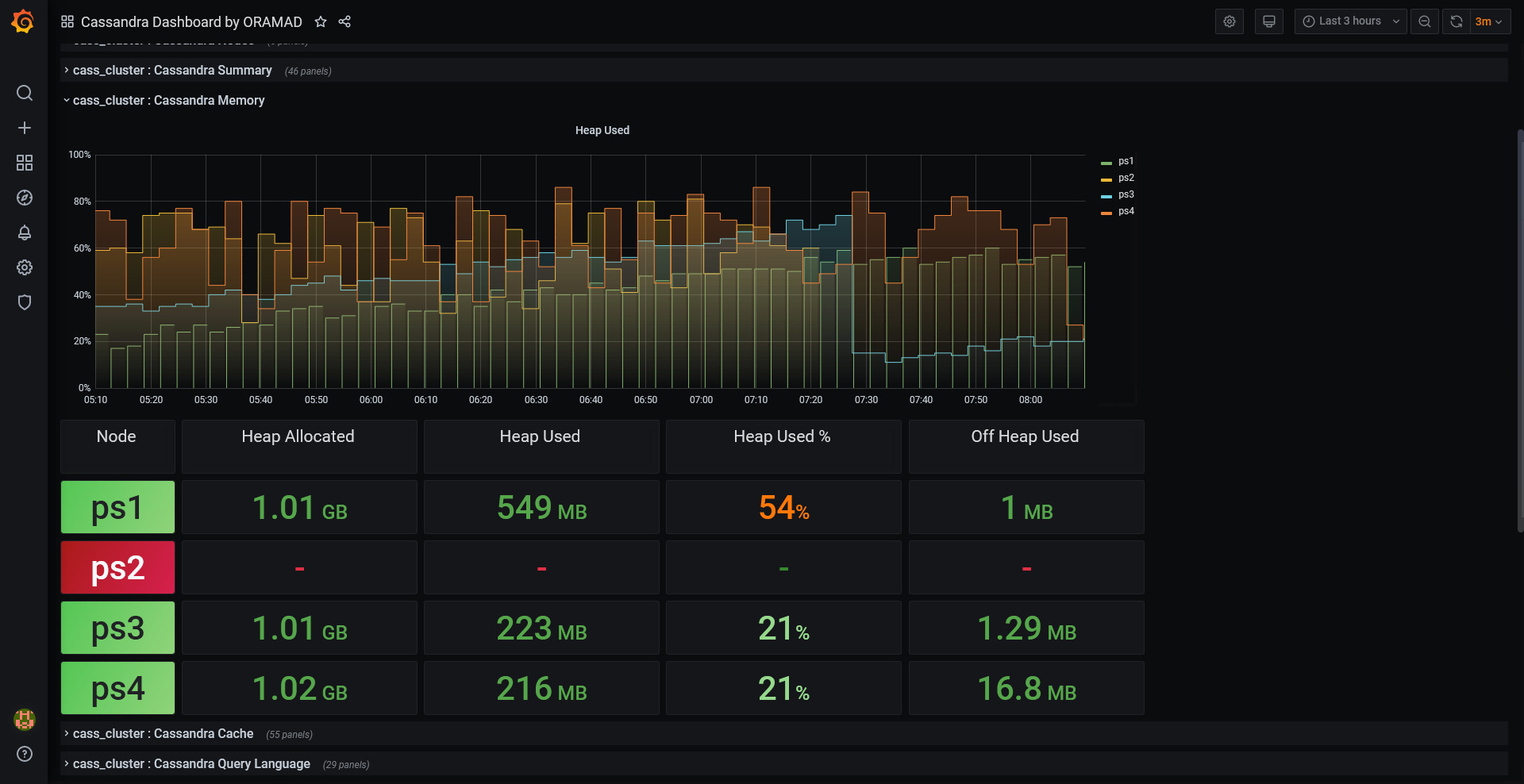
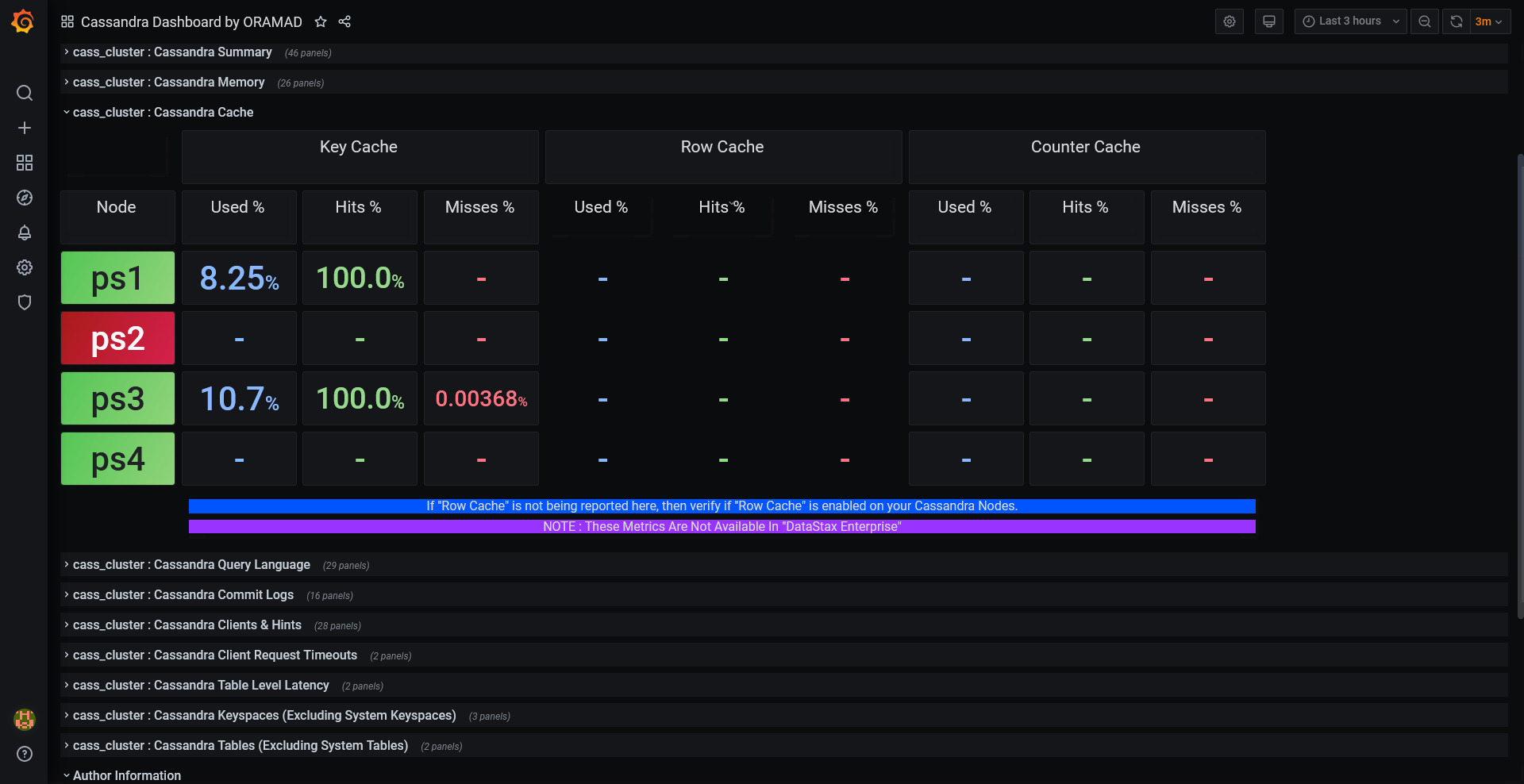
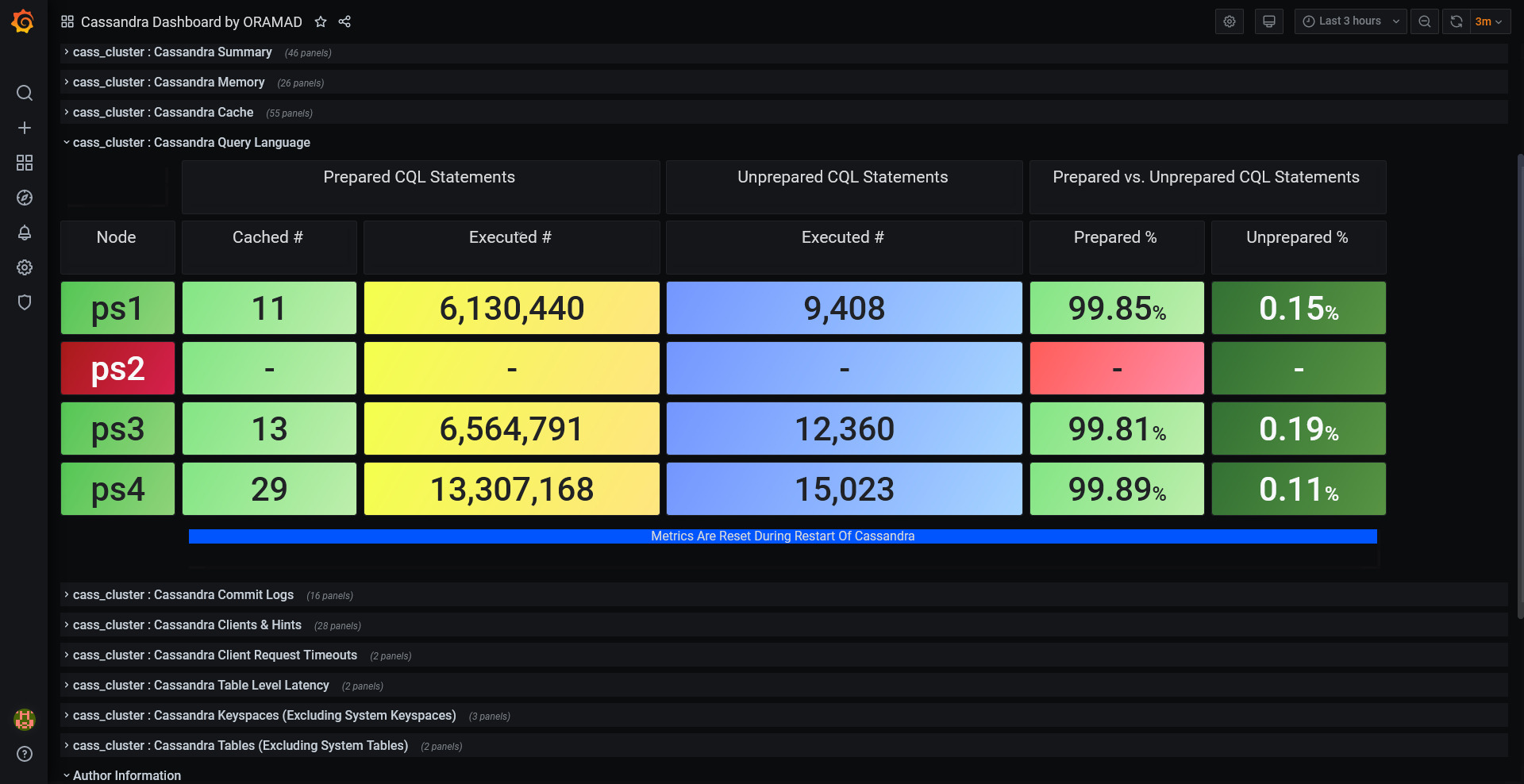
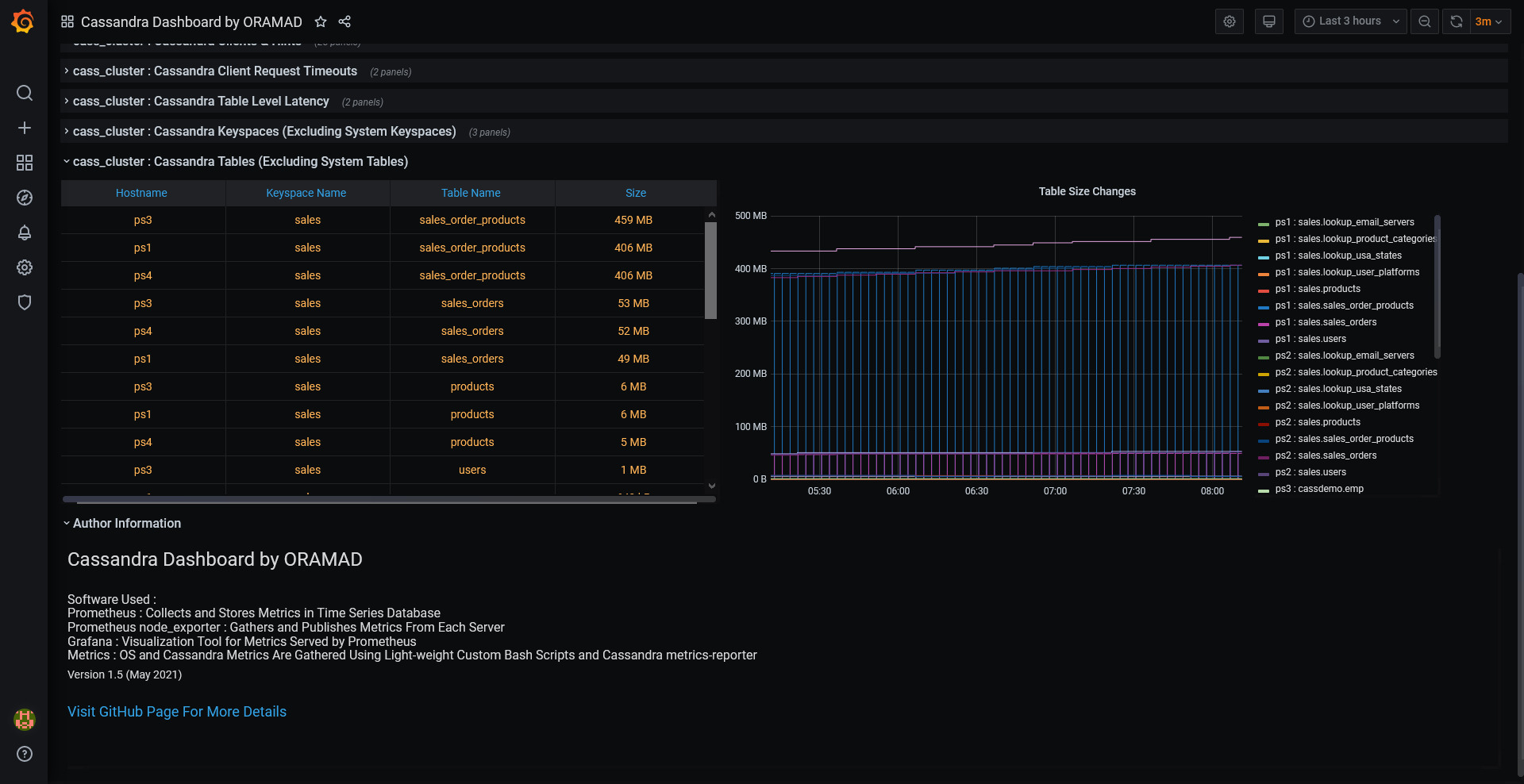
This dashboard contains several different sections to highlight the metrics for specific categories.

There are few dedicated sections for Server OS metrics ( OS Details/Storage/CPU/RAM Usage )

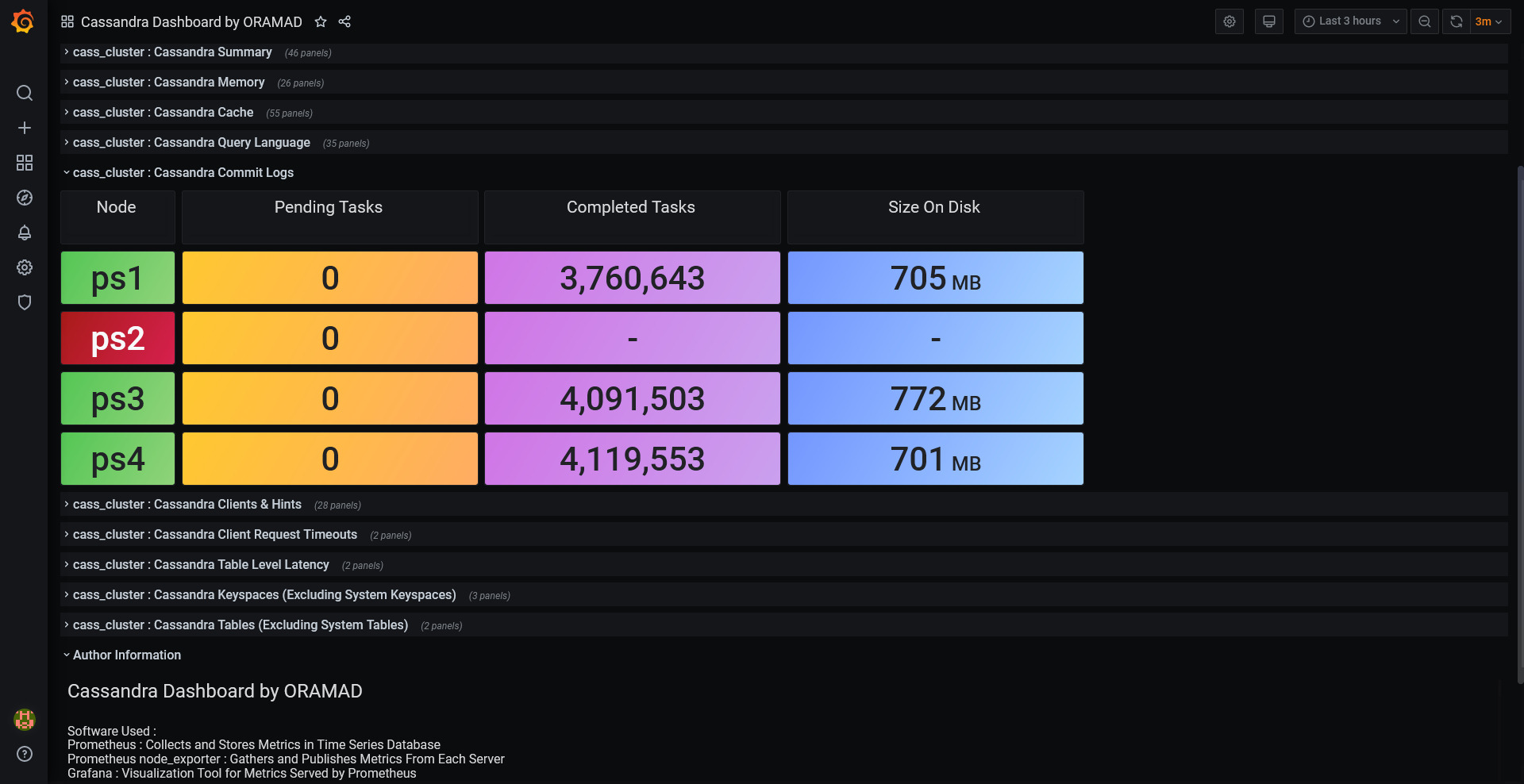
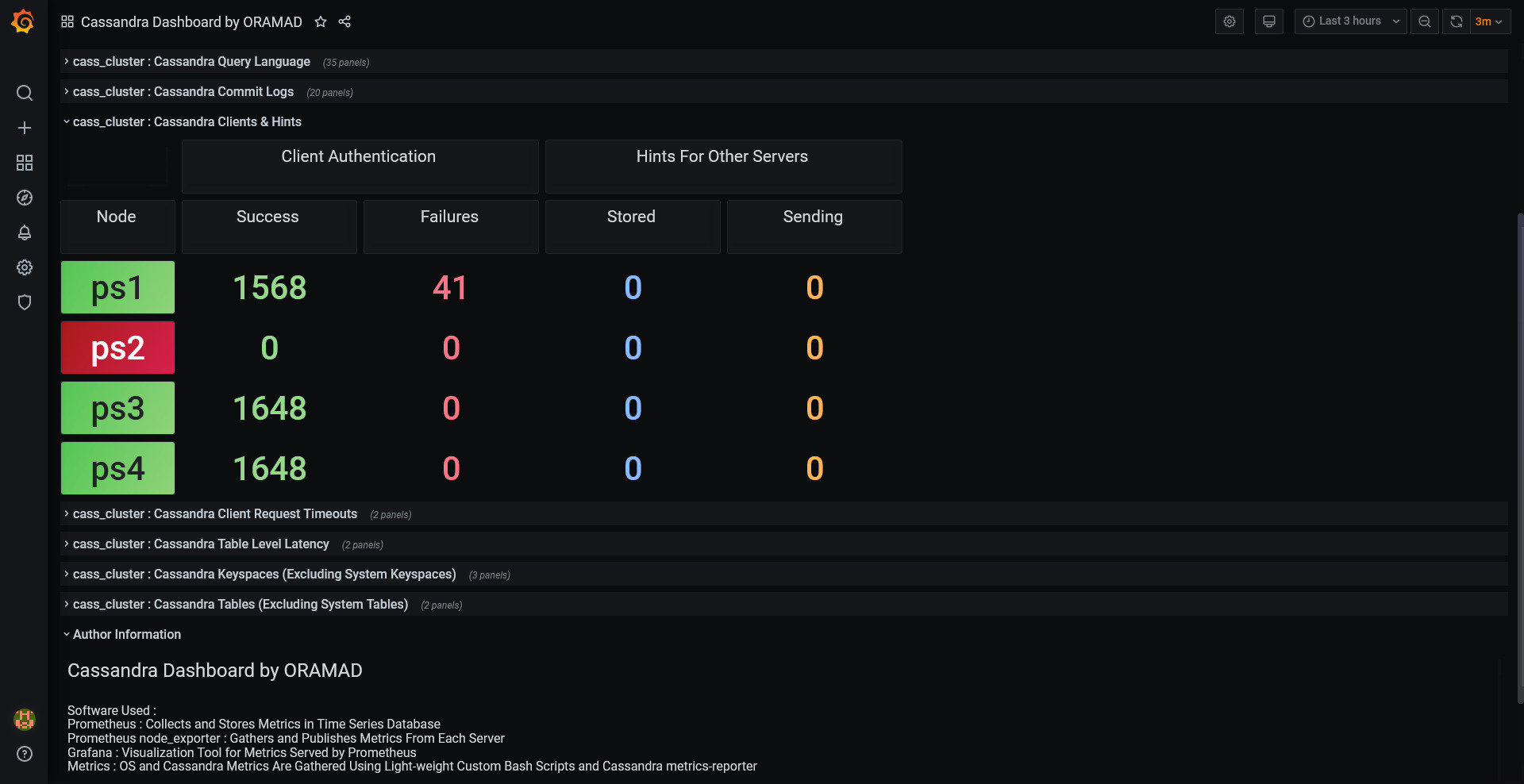
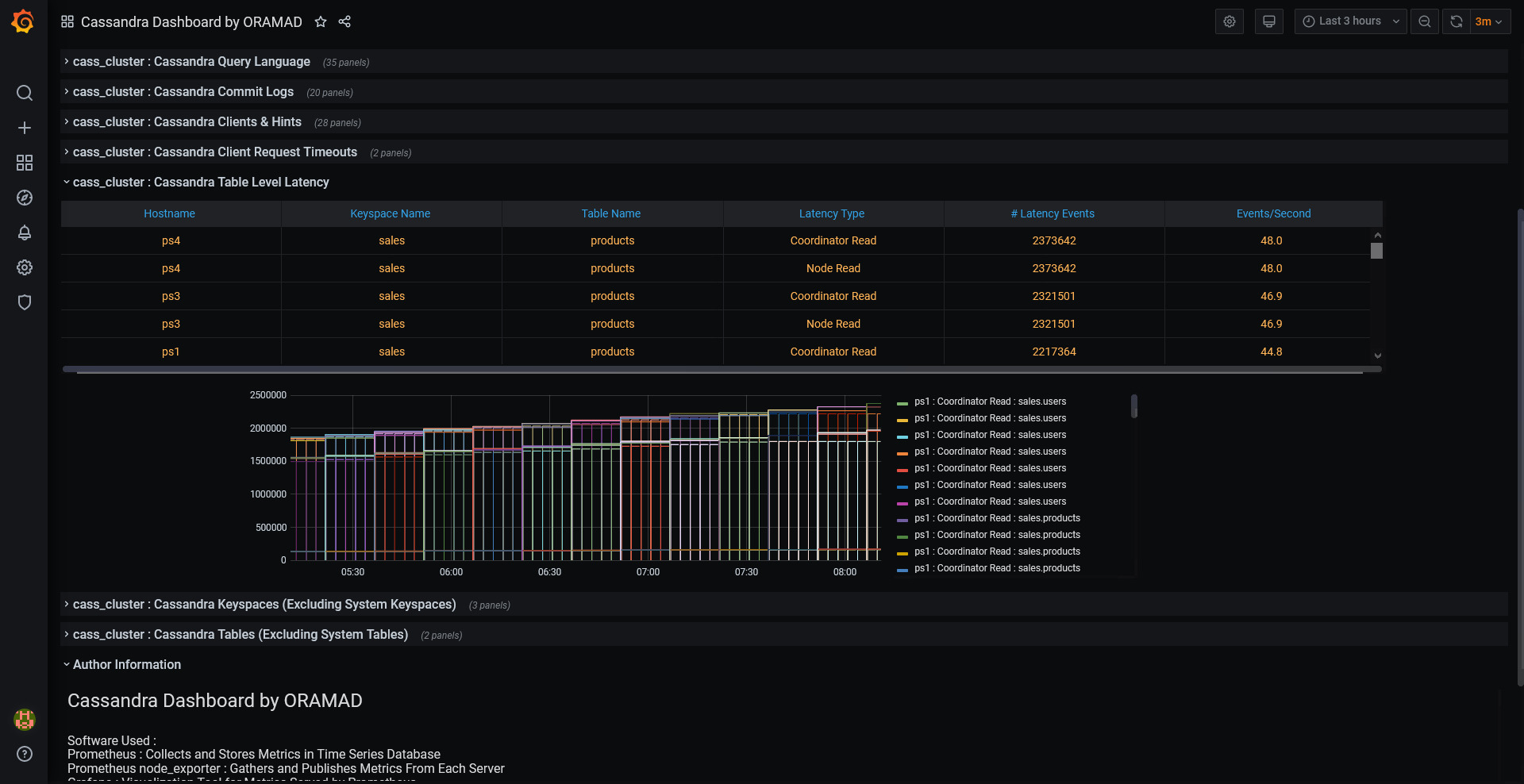
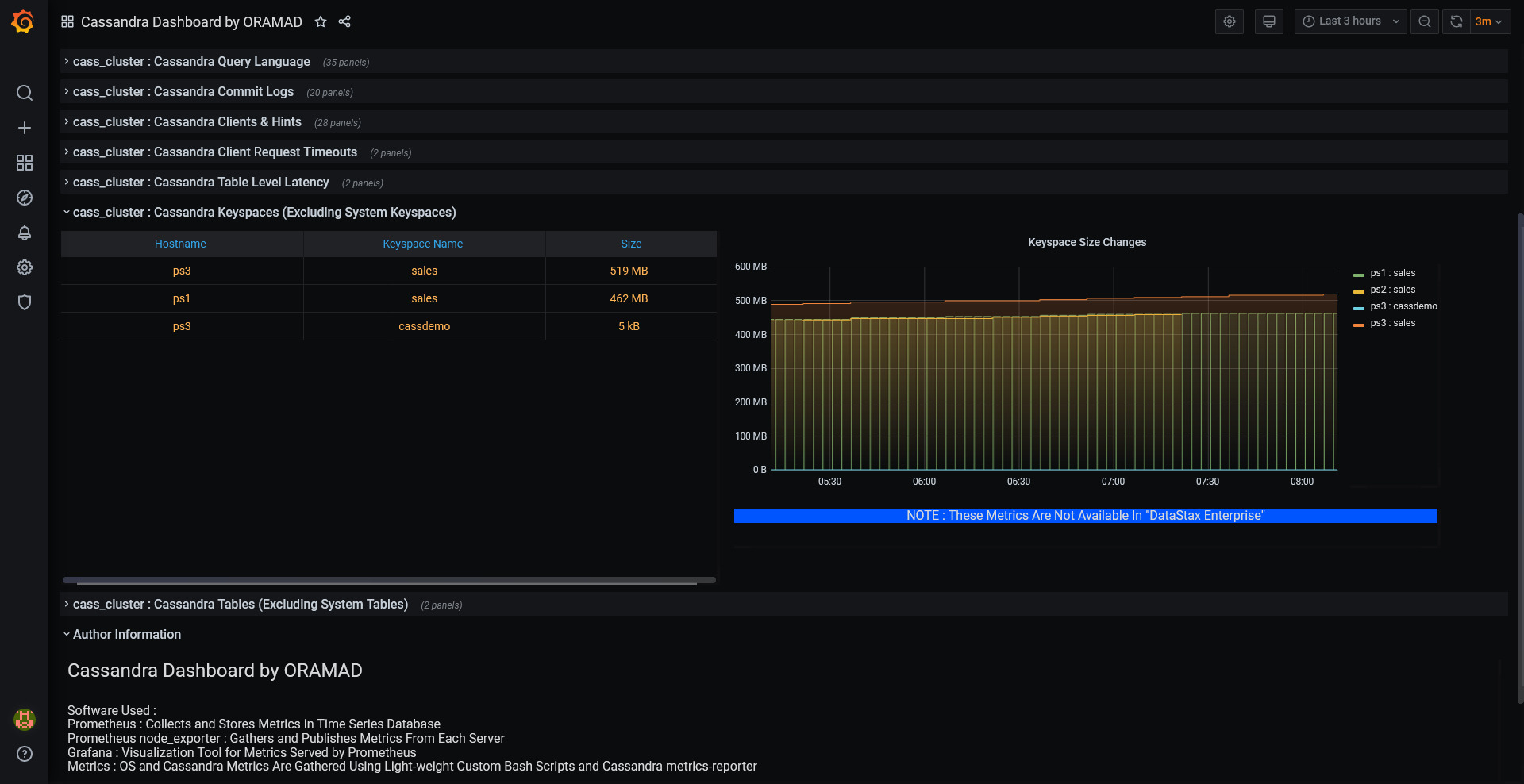
All remaining sections are for Cassandra metrics ( Cassandra Nodes Summary/Heap Usage/Cache/CQL/Commit Log Metrics/Clients/Hints/Request Timeouts/Latency Metrics/Size details at Keyspace Level and Table Level )

Dashboard also provides several filters ( cluster/data_center/hostname/keyspace/table ) and makes it very easy to monitor several Apache Cassandra clusters in one place.

Dashboard has been tested and working with Apache Cassandra 3.11.x / Apache Cassandra 4.x & DSE 6.8.x

How Does It Work ?

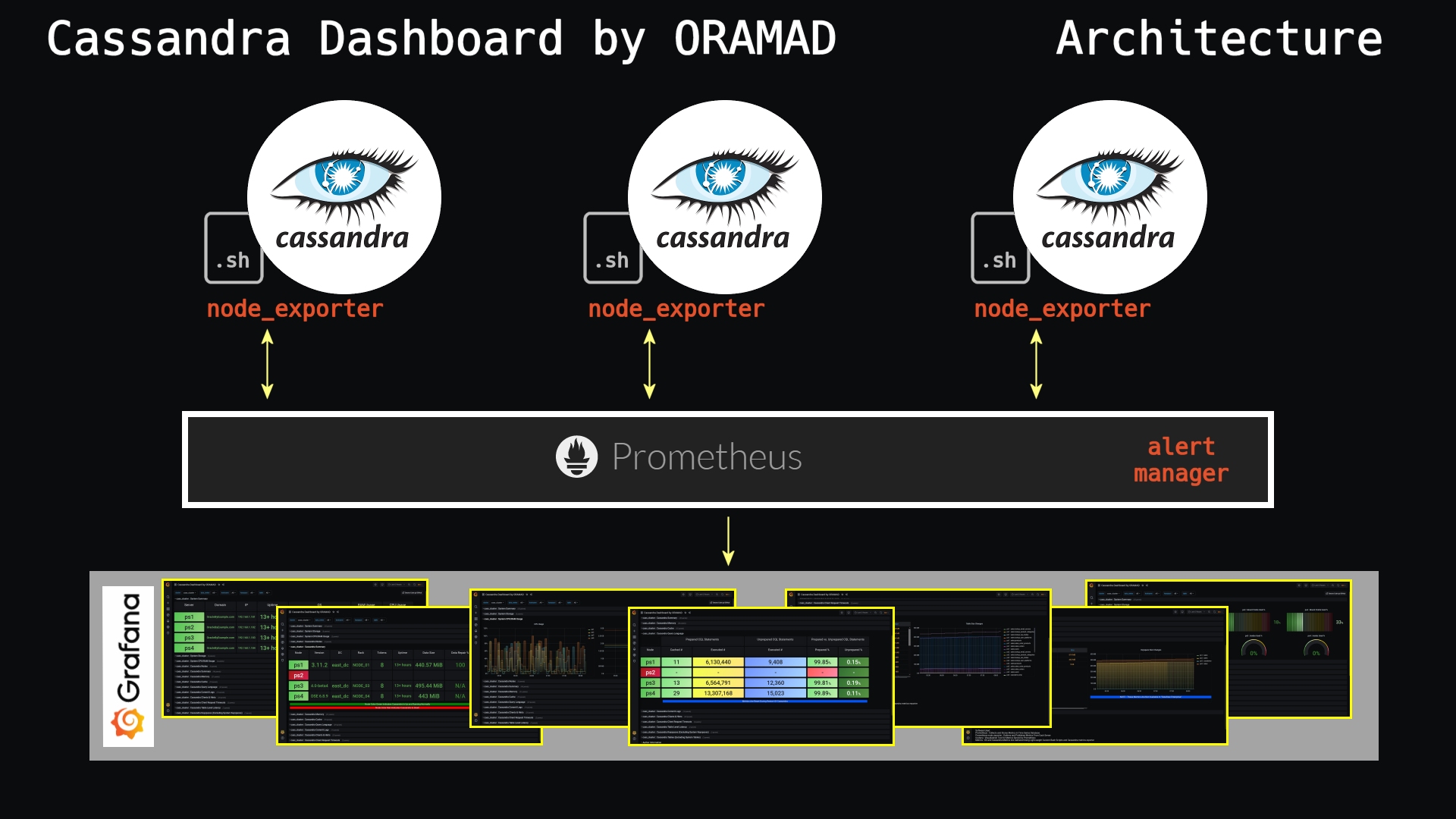
Apache Cassandra's built in metrics-reporter module is used to extract and publish metrics to a text file on each Cassandra server. Easy to understand bash shell script converts this metrics file to Prometheus metrics format and they are exposed to Prometheus using node_exporter. As you know JMX configuration is complicated, changes to JMX configuration is NOT REQUIRED for this dashboard.

Periodically Prometheus will get the metrics from node_exporter and store them in its own Time-series database.

Grafana is used to read those metrics from Prometheus and display them on an easy to understand dashboard.

Step-by-step configuration and source code has been published at : https://github.com/Sarma1807/Prometheus-Grafana-Cassandra

Get Dashboard
Download
Copy to Clipboard
Source Grafana.com