Azure Network Policy Manager Configuration (Prometheus Server) 1,3331,333
9/15/2020
9/22/2020
1
Host Metrics
>=7.1.5
Prometheus
Azure Network Policy Metrics
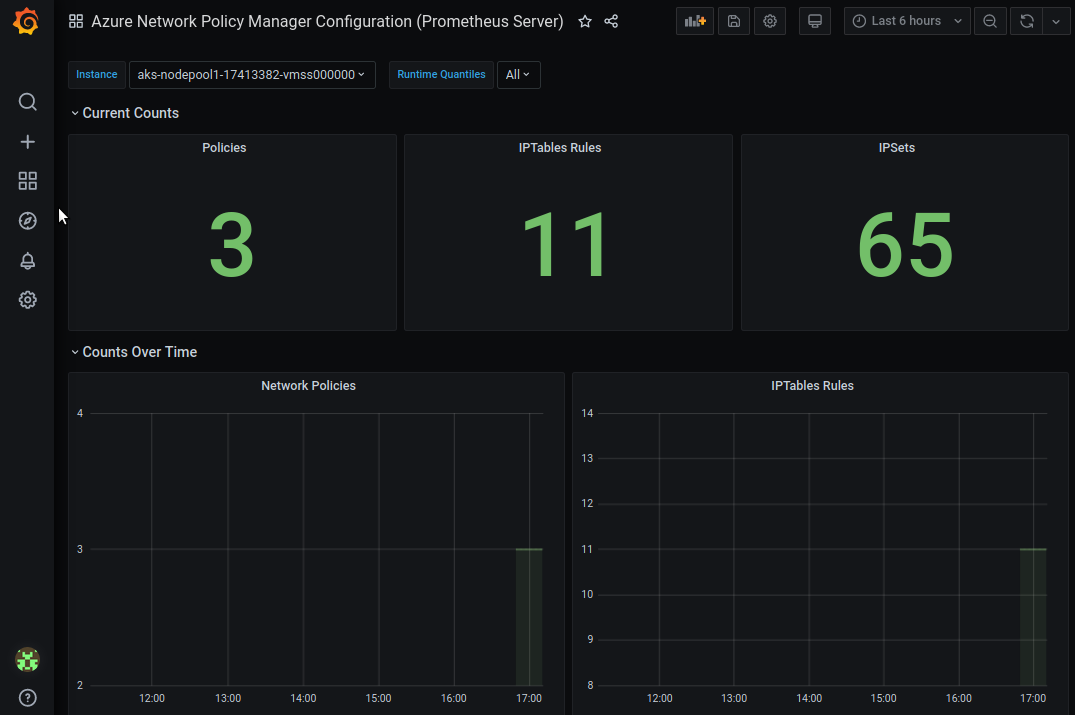
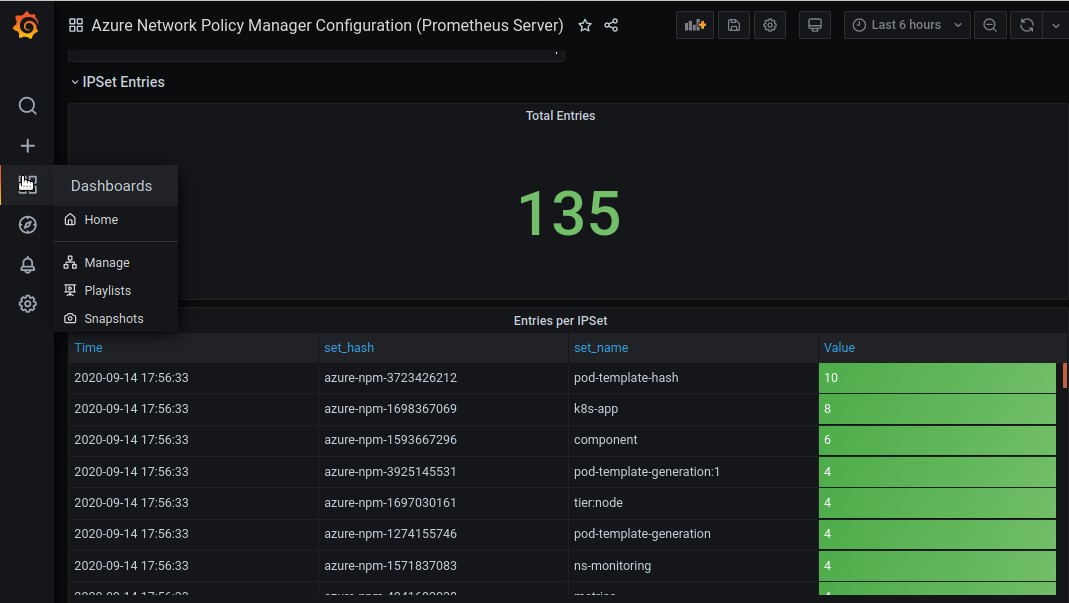
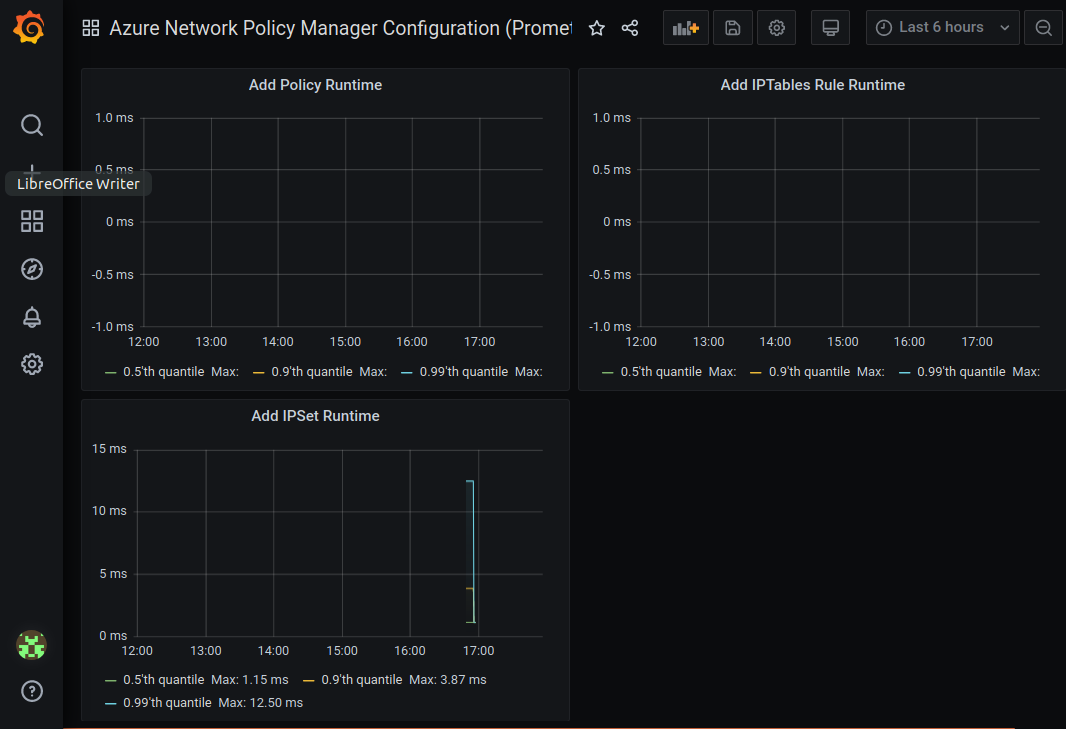
Azure Network Policy Manager (NPM) includes informative Prometheus metrics that allow you to monitor and better understand your configurations. We can view these metrics through Grafana dashboard.
Current Metrics
| Metric Name | Description | Prometheus Metric Type | Labels |
|---|---|---|---|
npm_num_policies |
number of network policies | Gauge | - |
npm_num_iptables_rules |
number of IPTables rules | Gauge | - |
npm_num_ipsets |
number of IPSets | Gauge | - |
npm_num_ipset_entries |
number of IP address entries in all IPSets | Gauge | - |
npm_add_policy_exec_time |
runtime for adding a network policy | Summary | quantile (0.5, 0.9, or 0.99) |
npm_add_iptables_rule_exec_time |
runtime for adding an IPTables rule | Summary | quantile (0.5, 0.9, or 0.99) |
npm_add_ipset_exec_time |
runtime for adding an IPSet | Summary | quantile (0.5, 0.9, or 0.99) |
npm_ipset_counts (advanced) |
number of entries within each individual IPSet | GaugeVec | set name & hash |
How it works?
- An AKS or AKS engine cluster with Azure Network Policy plugin.
- An Prometheus server installed in cluster. tutorial is in this doc.
- Please refer this doc to enable Grafana dashboard from Prometheus data source
Contact
Get Dashboard✕
Download
Copy to Clipboard
Used Metrics 88
npm_num_policies
npm_num_iptables_rules
npm_num_ipsets
npm_num_ipset_entries
npm_ipset_counts
npm_add_policy_exec_time
npm_add_iptables_rule_exec_time
npm_add_ipset_exec_time